Essentials Pack — 8 Garmin watch faces
8 of our everyday watch faces in one purchase — €14.99 once. You get the watch files for your Garmin and put them on the watch with its USB cable. No Connect IQ Store purchase needed.
Preview: the checkout is in test mode — no real payment is taken and no live files are delivered.
What is inside
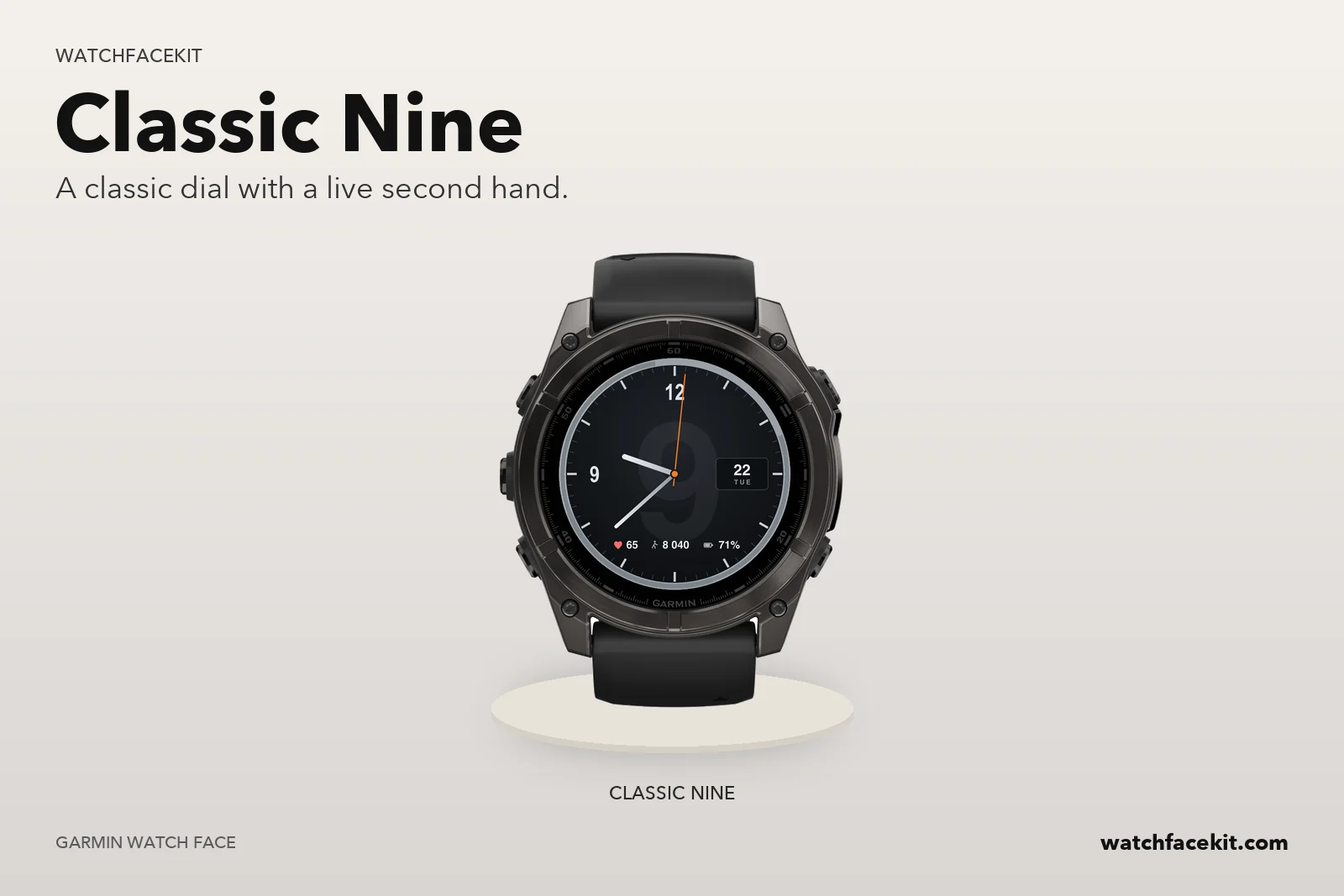 Classic Nine
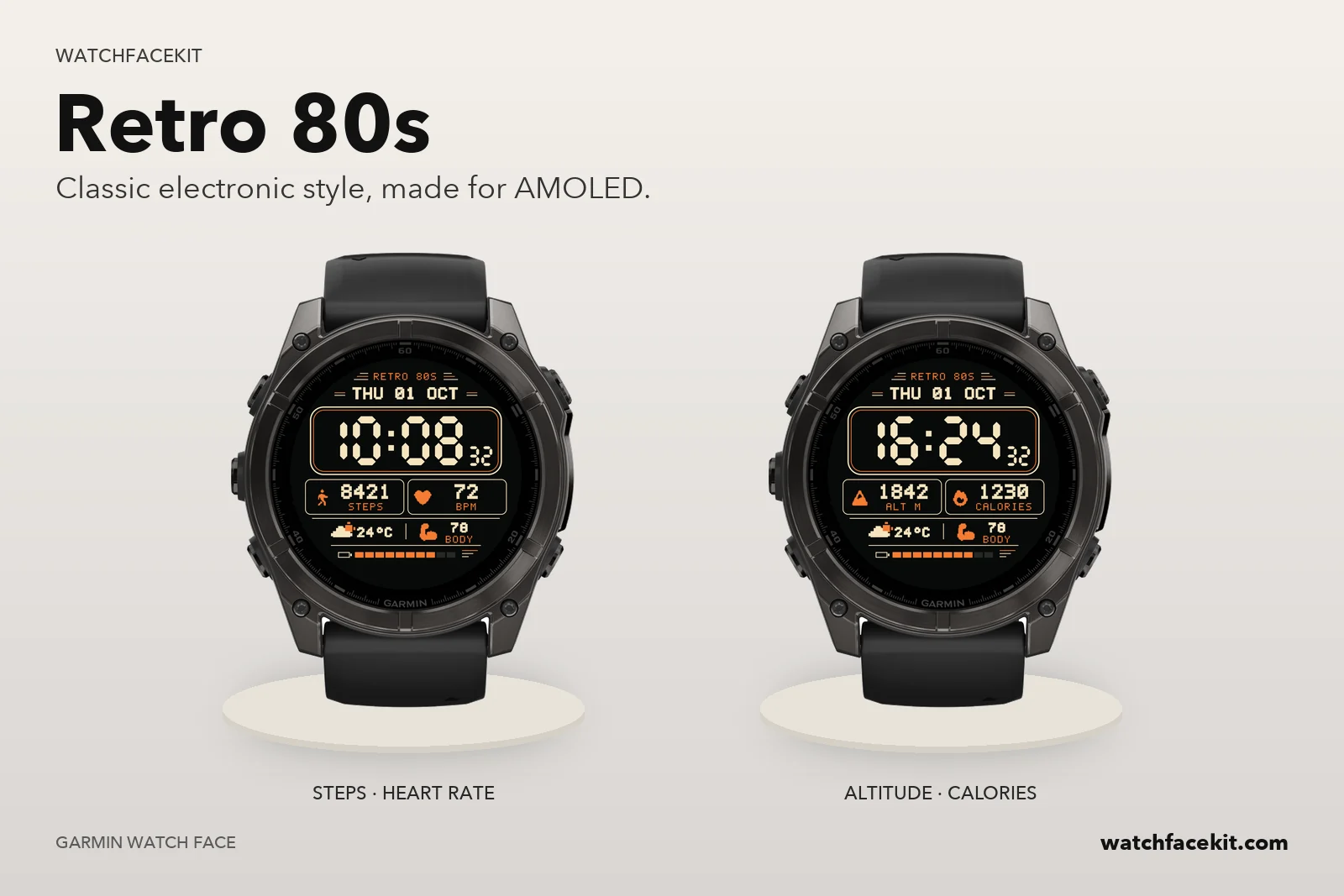 Retro 80s
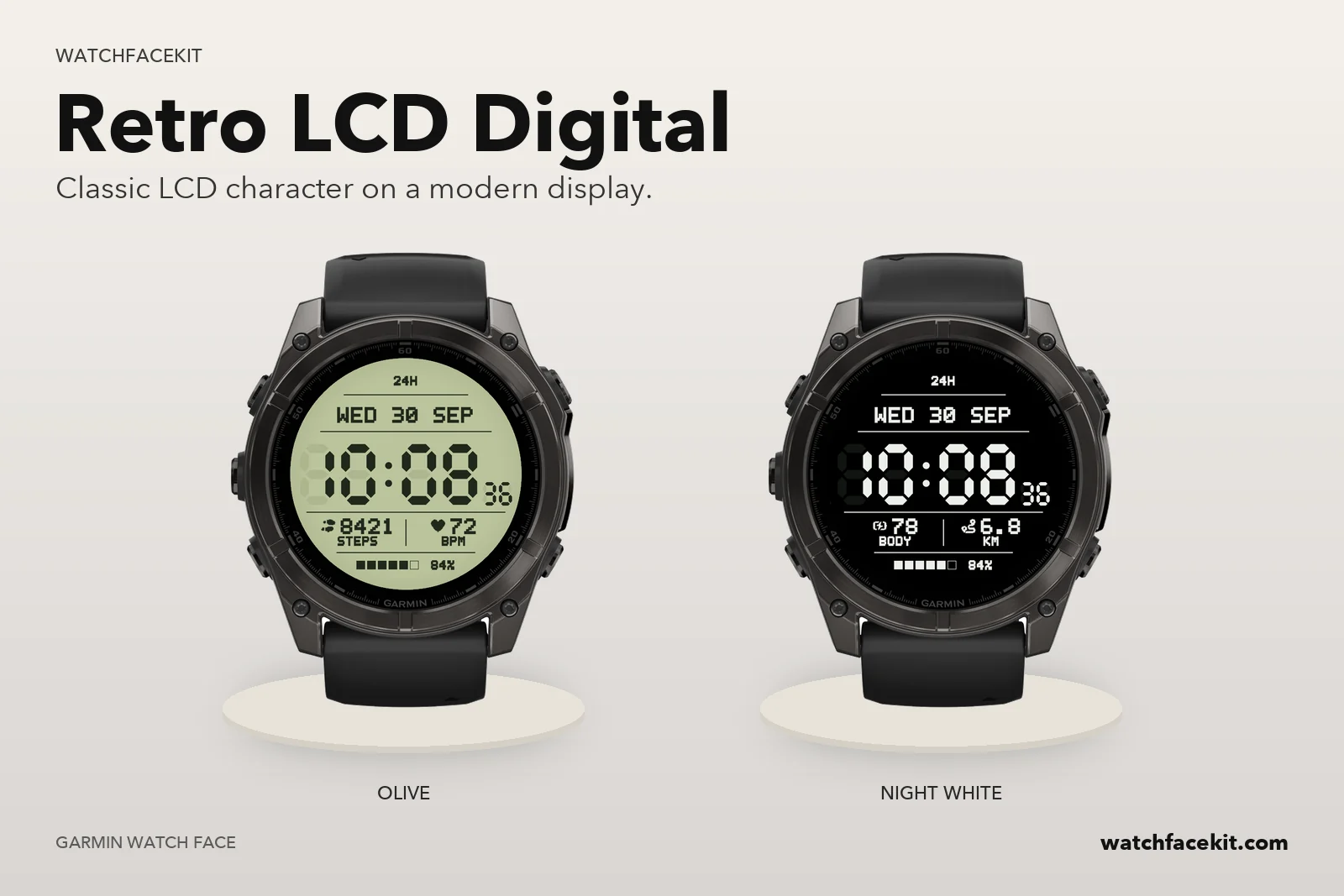 Retro LCD Digital
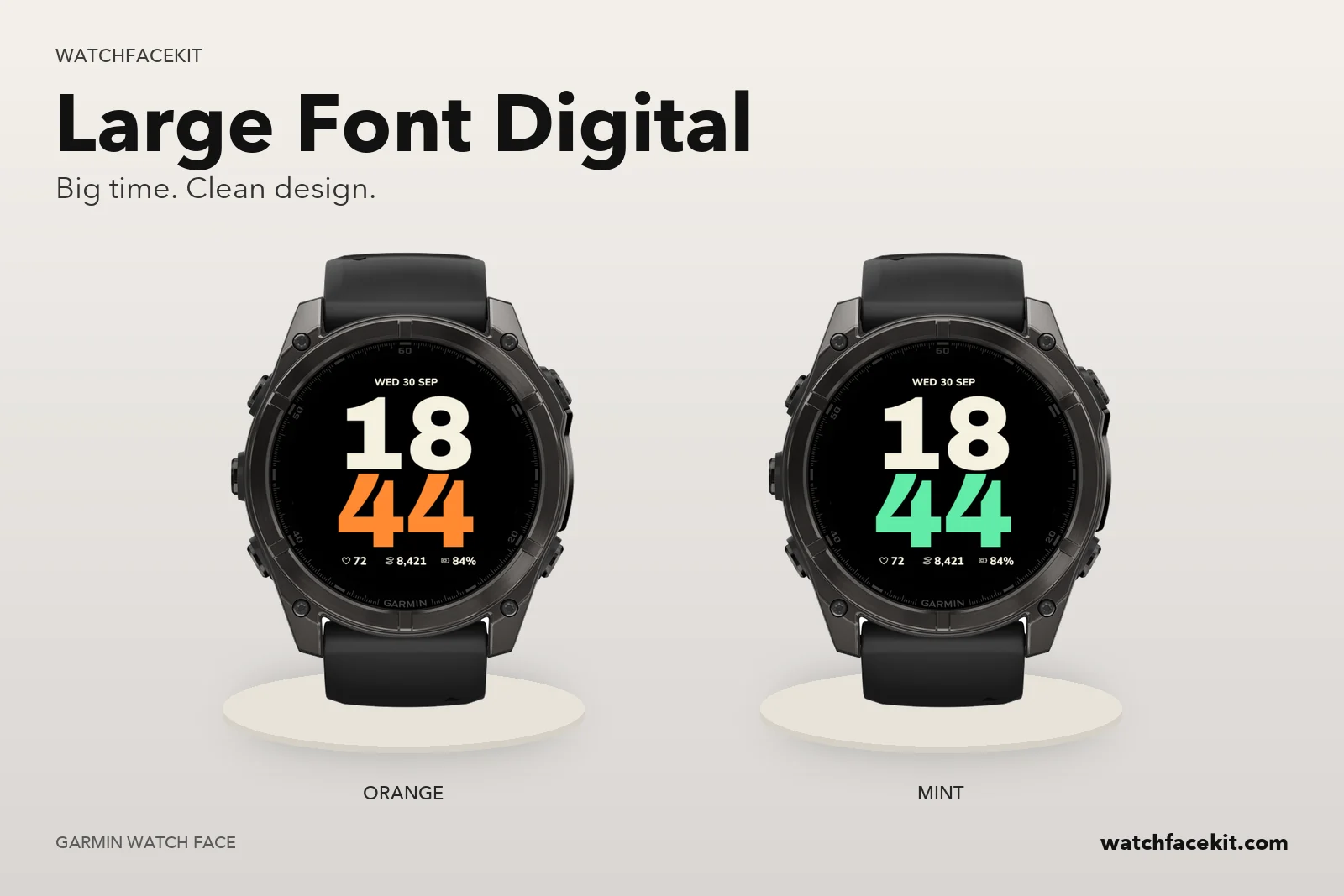 Large Font Digital
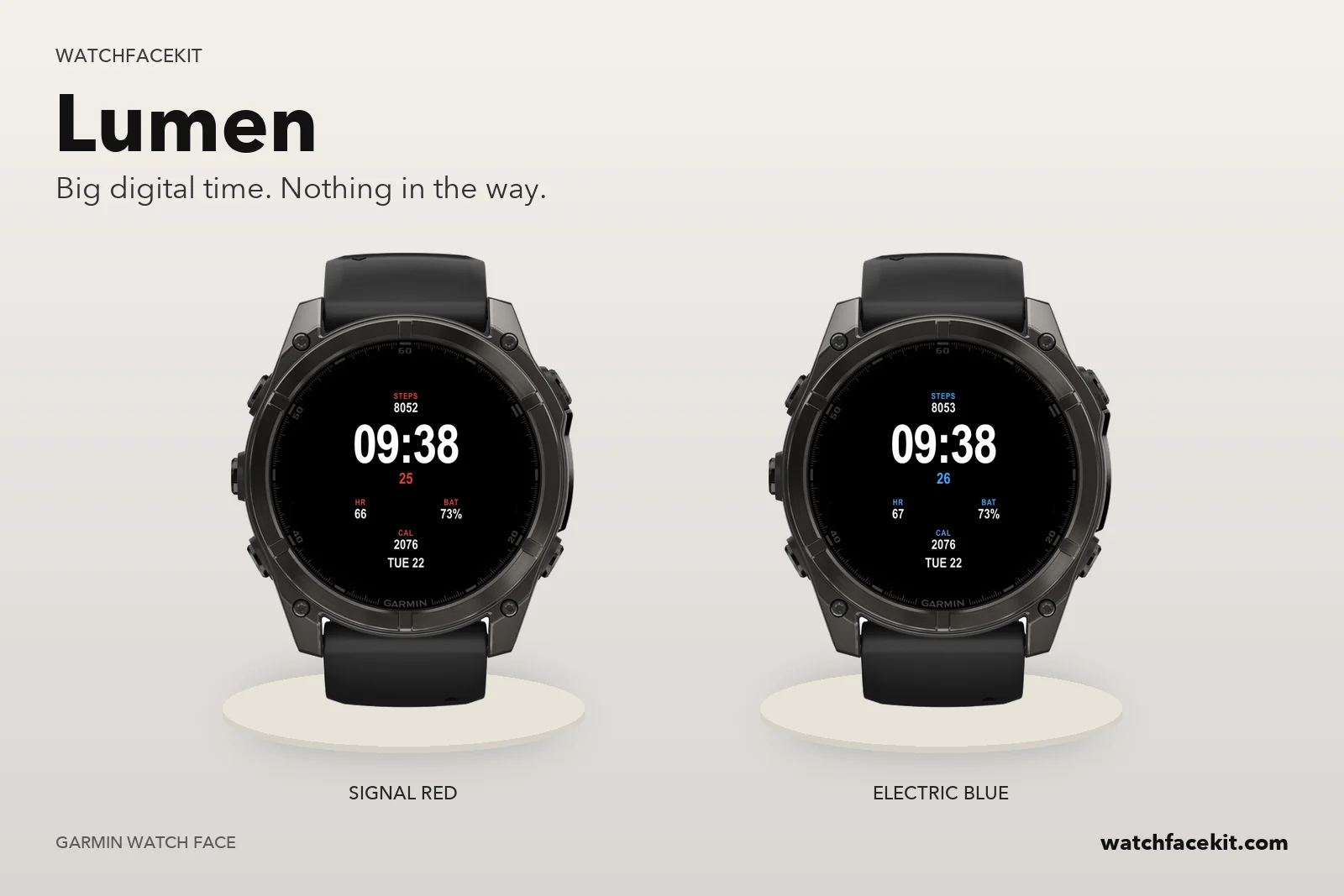 Lumen
Lumen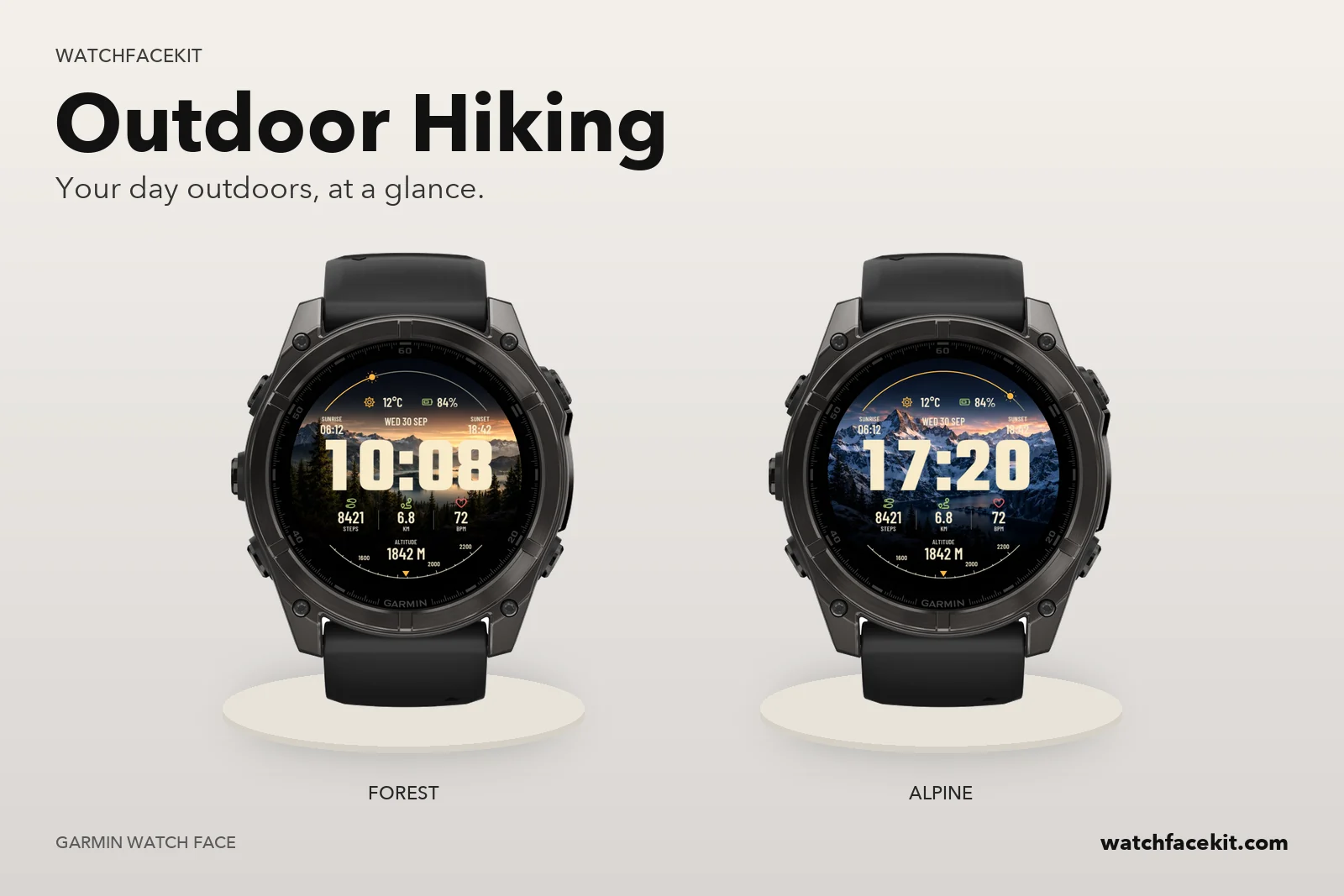 Outdoor Hiking
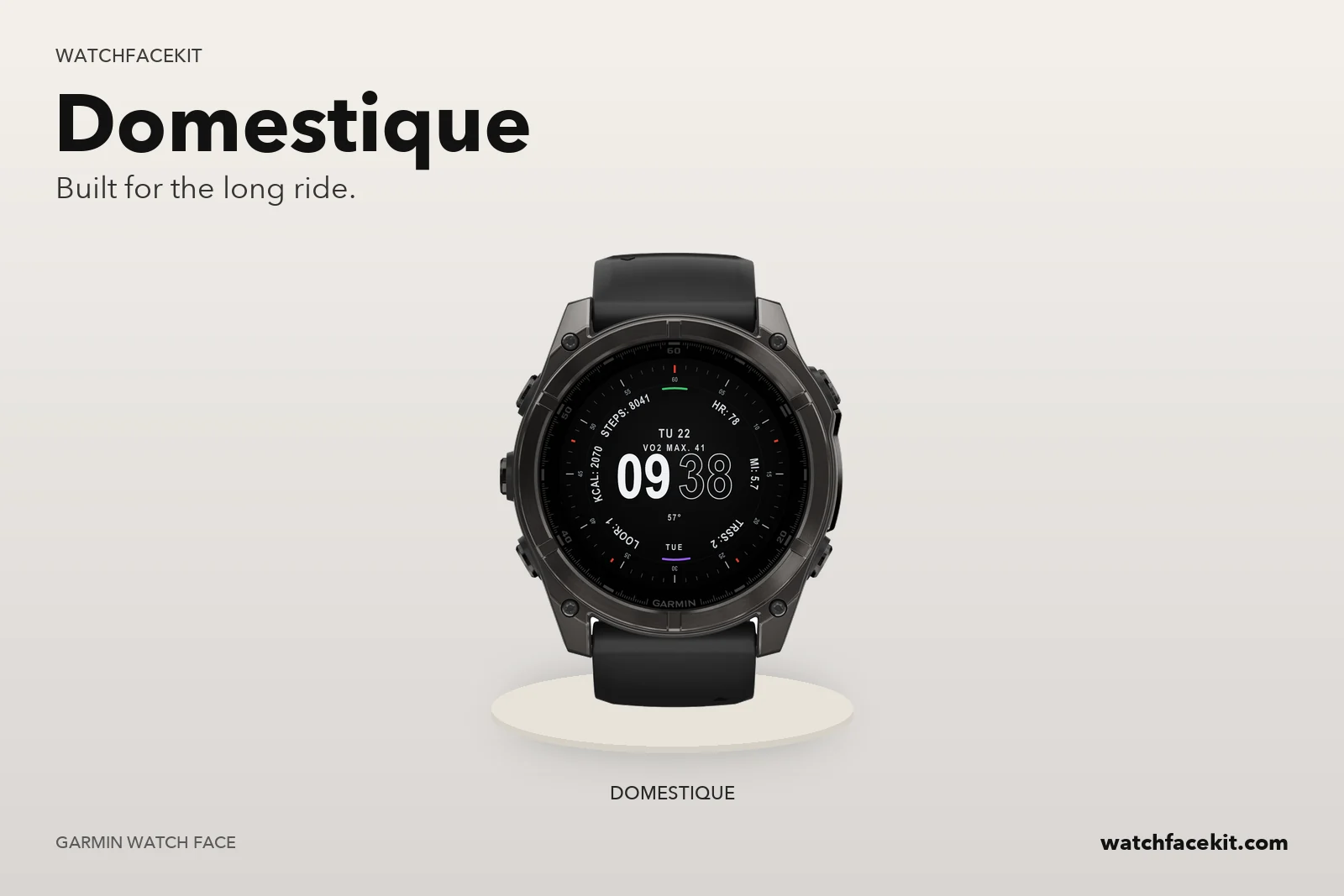 Domestique
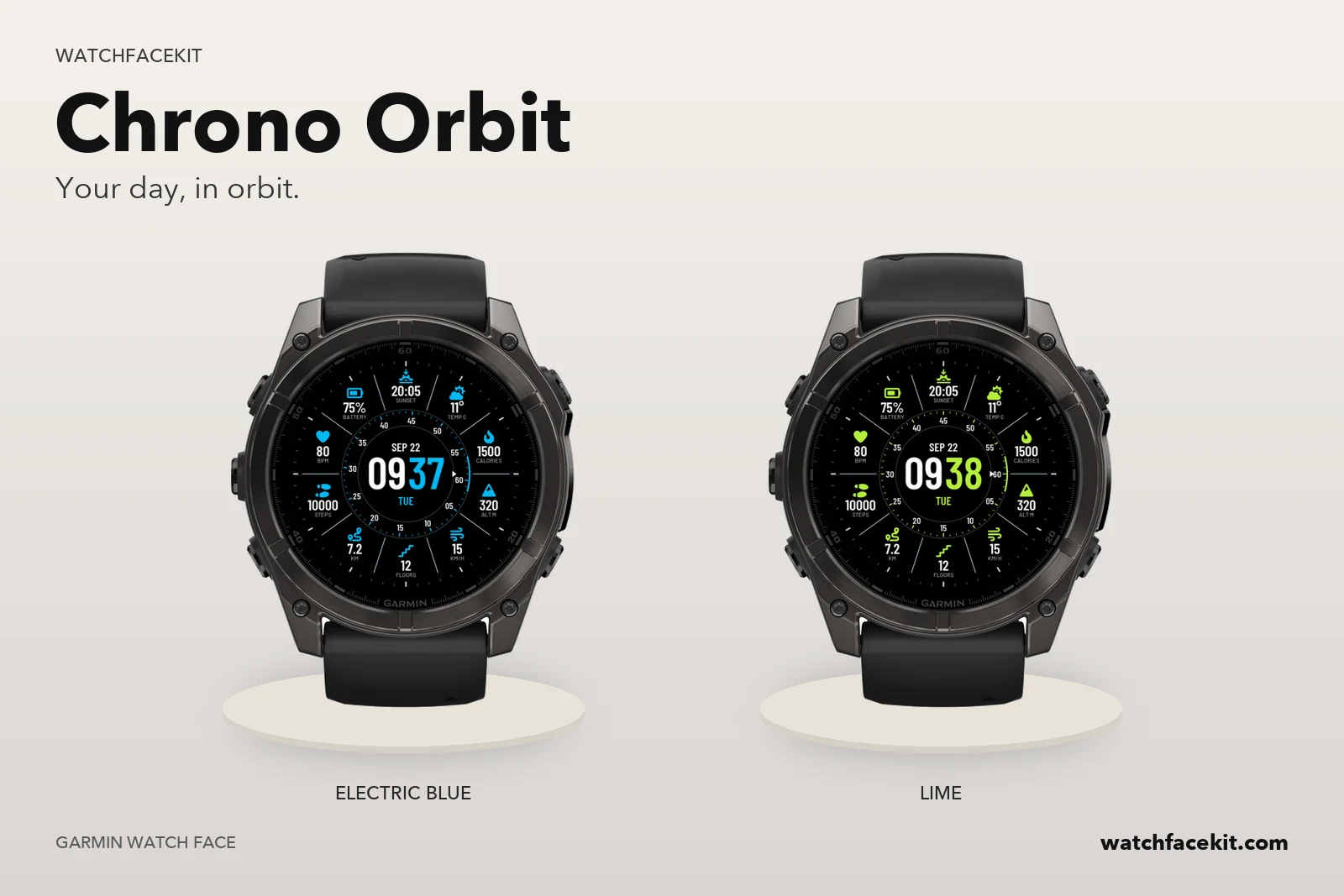 Chrono Orbit
Your watch
All 8 faces run on these watches:
- Approach S70 42mm
- Approach S70 47mm
- Approach S72 43mm
- Approach S72 47mm
- D2™ Mach 1
- D2™ Mach 2
- D2™ Mach 2 Pro
- Descent™ Mk3 43mm / Mk3i 43mm
- Descent™ Mk3i 51mm
- epix™ (Gen 2) / quatix 7 Sapphire
- epix™ Pro (Gen 2) 42mm
- epix™ Pro (Gen 2) 47mm / quatix 7 Pro
- epix™ Pro (Gen 2) 51mm / D2™ Mach 1 Pro / tactix 7 – AMOLED Edition
- fēnix 8 43mm
- fēnix 8 47mm / 51mm / tactix 8 47mm / 51mm / quatix 8 47mm / 51mm
- fēnix 8 Pro 47mm / 51mm / MicroLED / quatix 8 Pro 47mm / 51mm
- fēnix 9 43mm
- fēnix 9 47mm / 51mm
- fēnix 9 Pro 43mm
- fēnix 9 Pro 47mm
- fēnix 9 Pro 51mm
- fēnix E
- Forerunner 165
- Forerunner 165 Music
- Forerunner 170
- Forerunner 170 Music
- Forerunner 265
- Forerunner 265s
- Forerunner 570 42mm
- Forerunner 570 47mm
- Forerunner 70
- Forerunner 965
- Forerunner 970
- MARQ (Gen 2) Athlete / Adventurer / Captain / Golfer / Carbon Edition / Commander - Carbon Edition
- MARQ (Gen 2) Aviator
- MARQ (Gen 3) Adventurer / Athlete / Aviator / Commander / Diver / Golfer
- Venu 4 41mm
- Venu 4 45mm / D2™ Air X15
- vívoactive 6
Some of the faces run on these watches as well (the number shows how many):
- Approach S50 7 of 8
- Descent™ G2 7 of 8
- Instinct 3 AMOLED 45mm 7 of 8
- Instinct 3 AMOLED 50mm 7 of 8
- Venu 2 7 of 8
- Venu 2 Plus 7 of 8
- Venu 2S 7 of 8
- Venu 3 7 of 8
- Venu 3S 7 of 8
- Venu Sq 2 1 of 8
- Venu Sq 2 Music 1 of 8
- Venu X1 2 of 8
- vívoactive 5 7 of 8
Your model is not here? Then the pack is not for your watch yet — please do not buy it.
How the faces get onto the watch
- You need a computer and the USB cable of your watch. A phone alone is not enough: the files cannot be installed from the Garmin Connect app.
- Mac or Windows with Chrome or Edge: connect the watch, open «My watch faces» on this site and press «Install» next to each face you want.
- Windows: you can also download the files and copy them into the GARMIN\Apps folder of the watch in File Explorer.
How this differs from the Connect IQ Store version
- The faces are the same designs. You set them up on the watch itself (hold UP / MENU on the face → Customize); the settings screen in the phone app works only for faces installed from the Connect IQ Store.
- Updates do not arrive by themselves. When we release a new version, it appears in «My watch faces» and you install it the same way.
- The files are for your own watches. Your purchase stays in «My watch faces» — sign in with your e-mail any time.