4Nine
The digital pair — four quarter-arc gauges and a ghost “9” in warm amber.
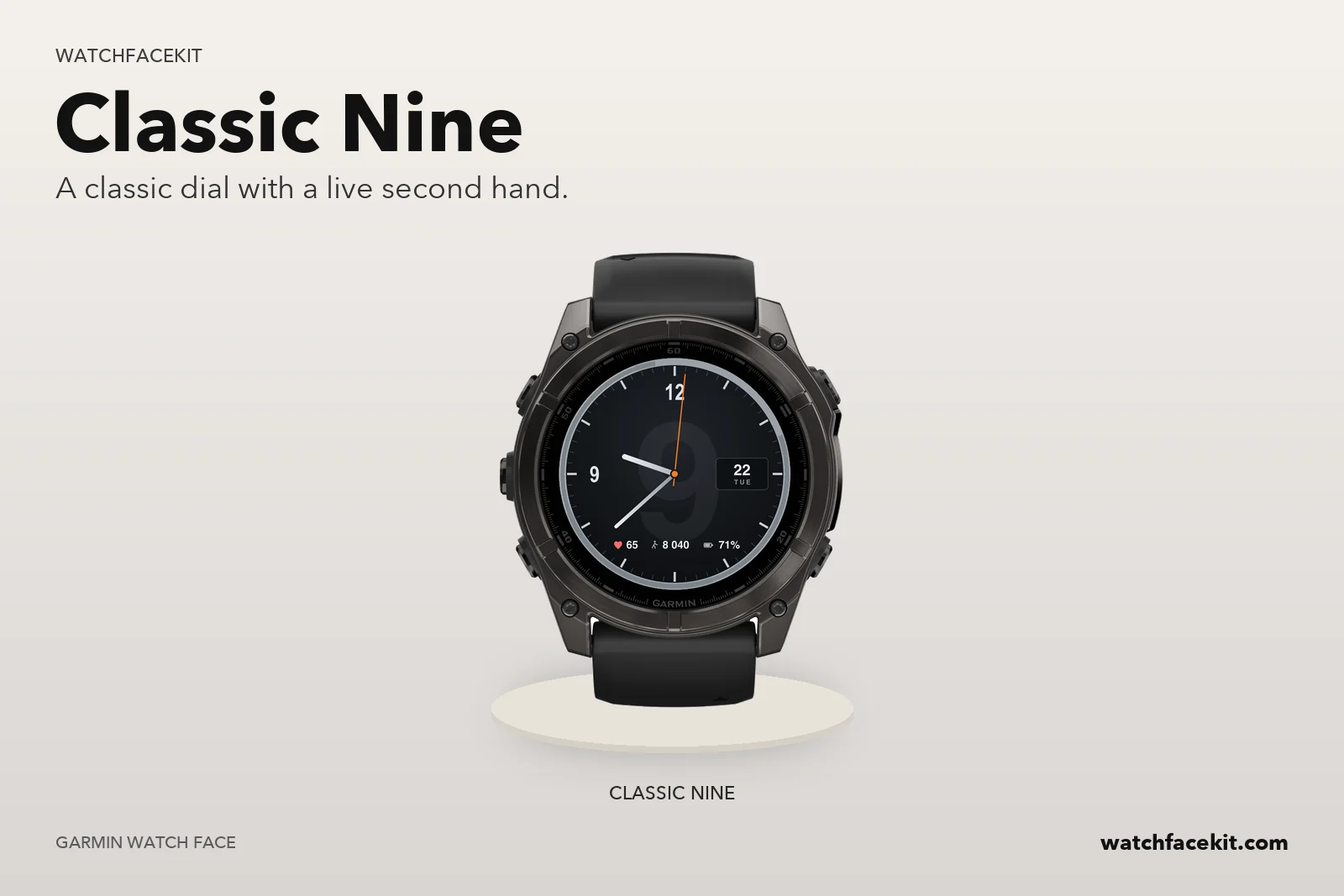
A proper classic analog on a dark dial: brushed-titanium bezel, twelve bold markers over a fine minute track, oversized 12 and 9 numerals, and steel hands with a live orange second hand sweeping over a faint ghost “9”. A date window sits at 3, three swappable fields sit along the bottom. The analog pair to 4Nine, built alongside the fēnix 9 — and honest with your data: no reading means “--”, never a fake number.
| Price | Free |
|---|---|
| Style | Classic titanium analog |
| Hands | Steel hour and minute, orange second hand with counterweight — switchable off to save battery |
| Date | Window at 3 o’clock — day number and weekday |
| Bottom row | 3 swappable fields — heart rate, steps, battery by default; also Body Battery, calories, floors, distance, altitude, pressure, temperature, stress, VO₂ max |
| Always-on | Hour and minute hands + markers only, dimmed, with burn-in shift |
| Platform | Garmin Connect IQ · round AMOLED |
Most Connect IQ faces drop the second hand to save power. Classic Nine keeps a real, once-a-second orange sweep in active view — and lets you switch it off if you’d rather bank the battery.
Only 12 and 9 get numerals — 3 stays open for the date window, 6 for the metric row. The fine minute track and bold markers do the rest, so the dial stays uncluttered.
The bottom row is swappable on the watch (hold → Settings) or from the Garmin Connect app: heart rate, steps, battery, Body Battery, calories, floors, distance, altitude, pressure, temperature, stress or VO₂ max.
Always-on keeps just the dimmed hour and minute hands over the markers, with burn-in shift — no second hand, no ghost “9”, no fields. And a sensor with no reading shows “--”, never an invented number.
Round AMOLED screens — check your exact model before installing.