Photo Classic Free
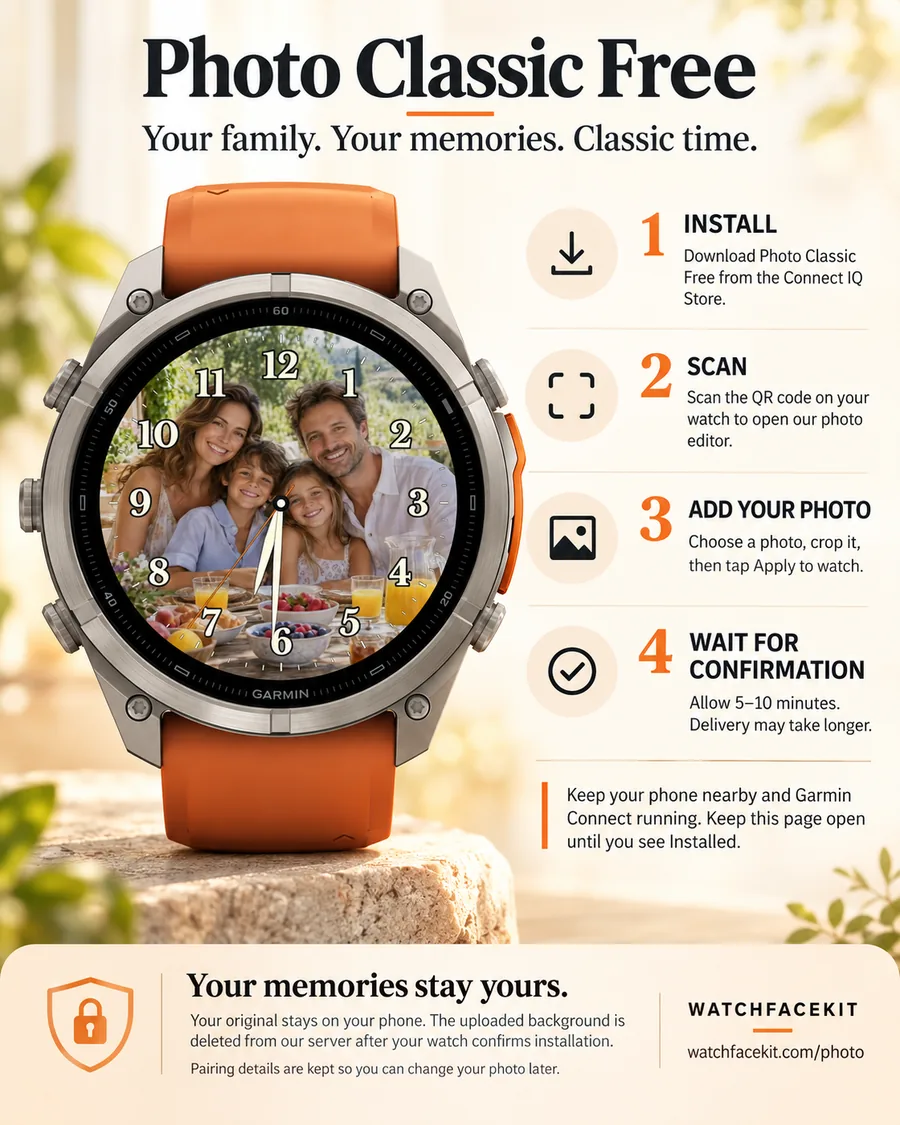
Large classic numerals and outlined hands over your own picture. Free, 47 round AMOLED models.
Your own picture behind a finished dial. Every photo template here is a complete watch face — the numerals, hands and data are designed to stay readable over a photo — and you choose what sits behind them.
Large classic numerals and outlined hands over your own picture. Free, 47 round AMOLED models.
Your photo in a circle inside a classic chapter ring, seven frame colours, gold-edged ivory hands. $2.99.
Big digital time over your photo: 4 font styles, 15 numeral systems, 7 digit colours and photo tints. $2.99.
More photo templates on the way — digital and data layouts, some of them paid.
Install the photo face from the Connect IQ Store. Until it has a picture, it shows a QR code and a six-character code.
Scan the QR with your phone. The photo editor opens already knowing your watch model and screen size.
Drag, zoom and darken it on a pixel-exact preview, then tap Apply to watch.
The watch picks the picture up through Garmin Connect, usually within five to ten minutes, and keeps it offline.
Already have the code from your watch? Open the photo editor →